☸kubernetes Deployment | Replicasets

Aspiring DevOps | Web Developer | Containerisation | myselfMohammedaArif | Graduate '19-'23
Let's dive into the difference between a container, a pod, and a deployment.
Usually, we can create a container using any container platform like Docker. To run this container, we simply provide the specifications on the command line. For instance, in Docker, we use the command:
docker run nameofimage
Similarly, Kubernetes (K8s) provides a powerful way to manage containers at an enterprise level. Instead of typing out all the commands manually, we can simply write a YAML manifest.
In a YAML manifest, we can define all the commands and configurations needed to create a container.
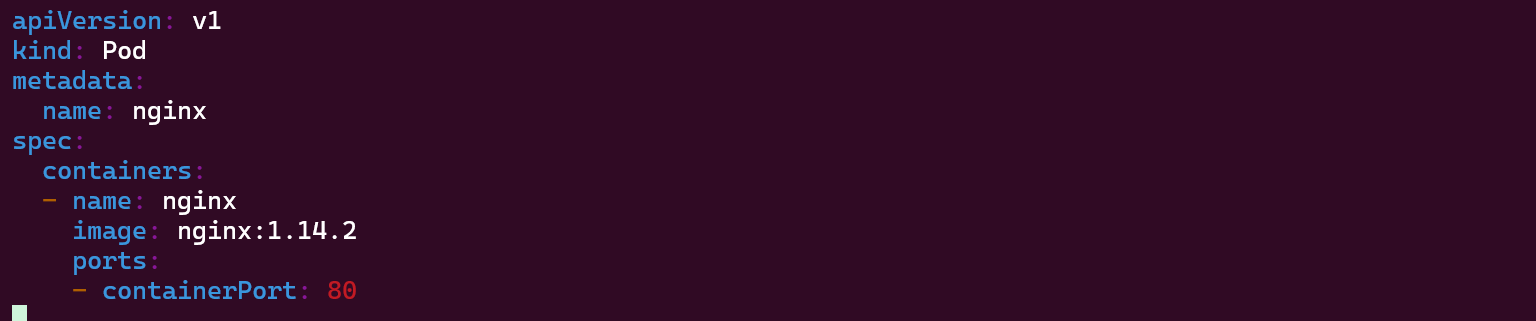
A pod YAML manifest is basically a running specification for a Docker container. In a Pod, we can create one or more containers.
The cool thing about using a Pod is that it shares the same networking, so both containers can talk to each other using localhost, and they can share the same volume or storage.
However, a pod can't do auto-healing or auto-scaling on its own.
A pod is just a YAML specification for running a container.
Kubernetes offers auto-scaling and auto-healing capabilities using Deployments.
If we want zero-downtime deployment or to use auto-scaling and auto-healing features, we should deploy applications using Deployments in Kubernetes instead of creating pods directly.
Deployments manage pods and provide auto-healing and auto-scaling functionalities.
We should create pods using Deployment resources, which automatically manage a ReplicaSet.
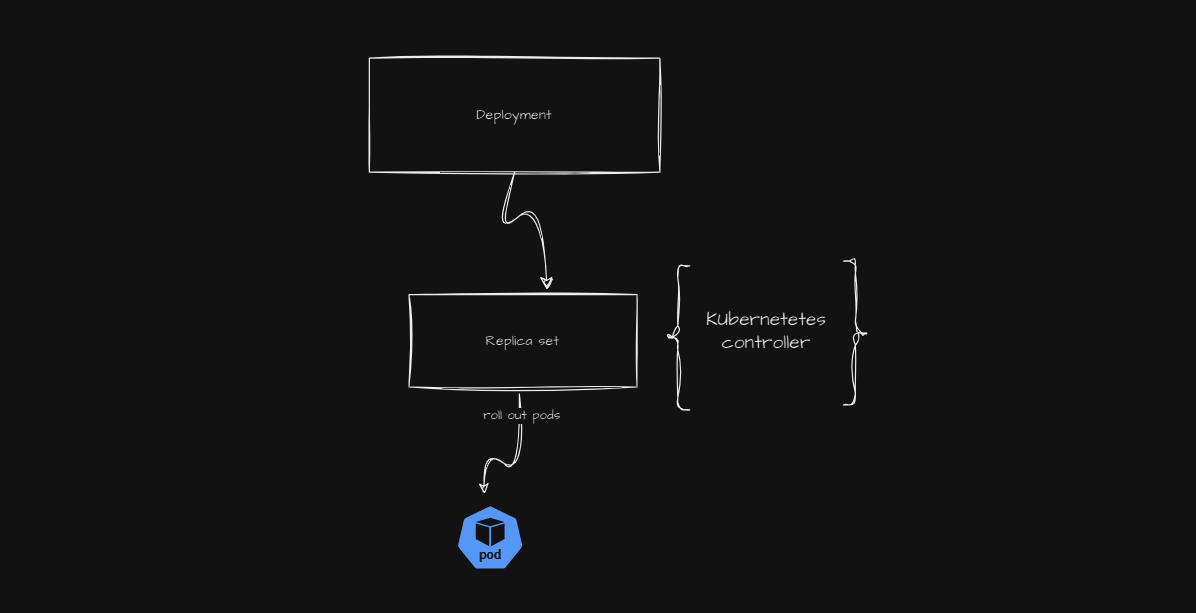
Why does a ReplicaSet exist within a Deployment? Well, the Deployment creates a certain number of pods.
In the Deployment manifest YAML, if we set a replica count, the ReplicaSet makes sure that if a pod is accidentally deleted, there's no need to worry.
When we submit a Deployment YAML manifest, it also creates a ReplicaSet, which enables auto-healing and auto-scaling features.
Kubernetes controllers always make sure that the desired state is maintained on the actual cluster.
There are default controllers in Kubernetes, as well as custom controllers like ArgoCD.
Now, let's do it practically!
kubectl get all is used to retrieve information about all resources of all types in the current Kubernetes namespace. This includes pods, services, deployments, replica sets, and other resources defined in the namespace.

if we want all the namespace of all application in culser then we use
kubectl get all -A
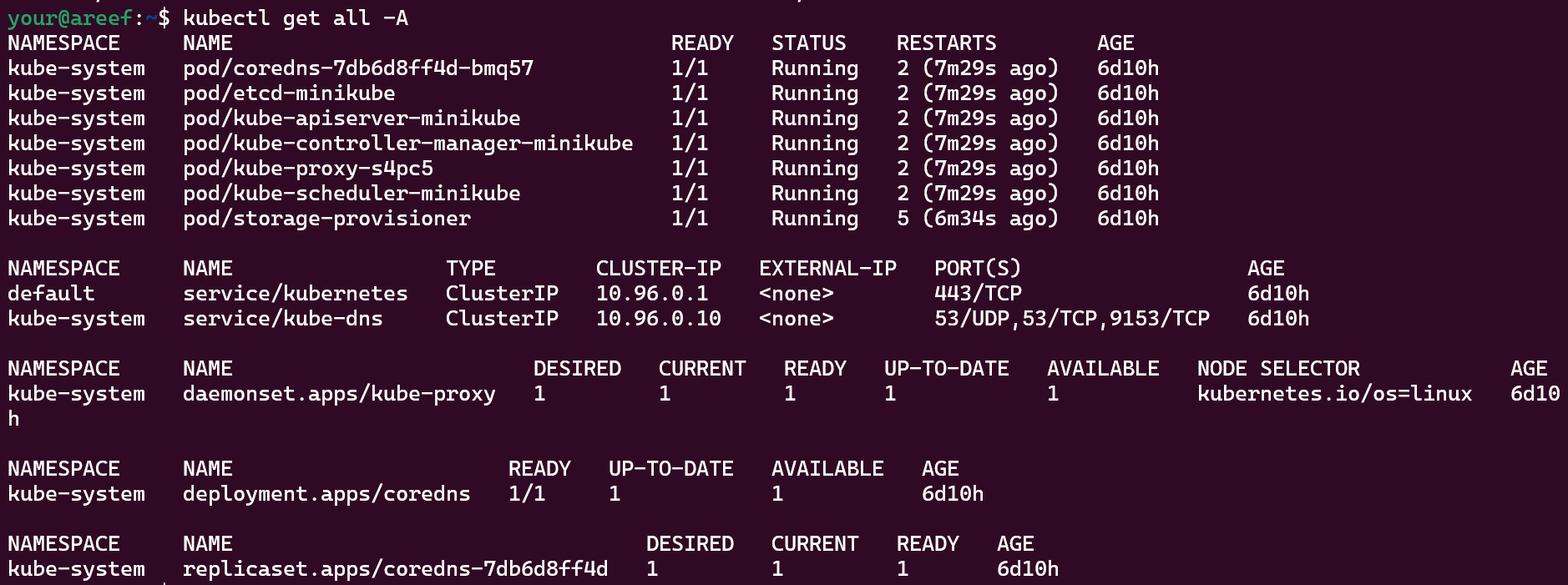
now let create an pod directly



ssh -i /path/to/identity_file username@remote_host
now we login to k8s cluster
curl IPaddress
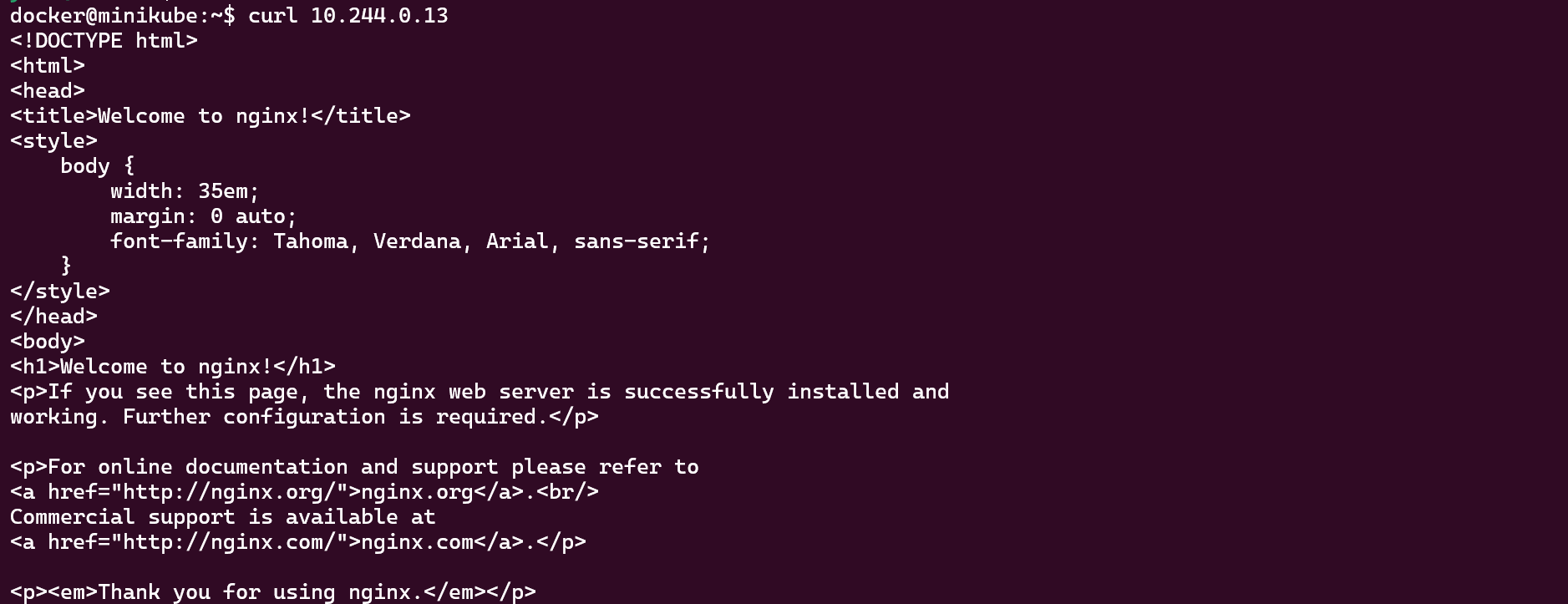
lets delete this pod

We can see the pod has been deleted. Now the application will work.
There is no auto-healing.
Now let's create a pod using a deployment. Let's see the magic..

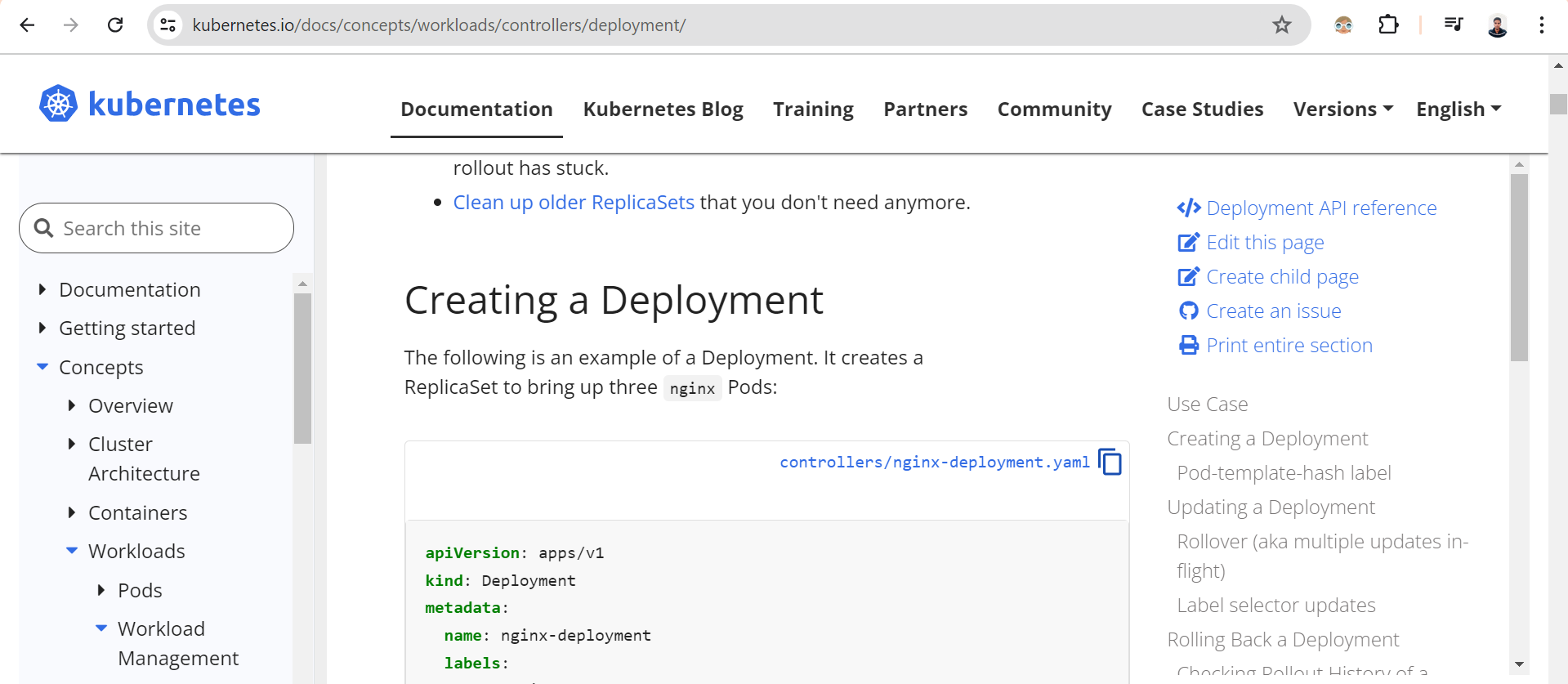
To create a deployment in Kubernetes, refer to the Kubernetes documentation to see how to create a deployment.yaml file.
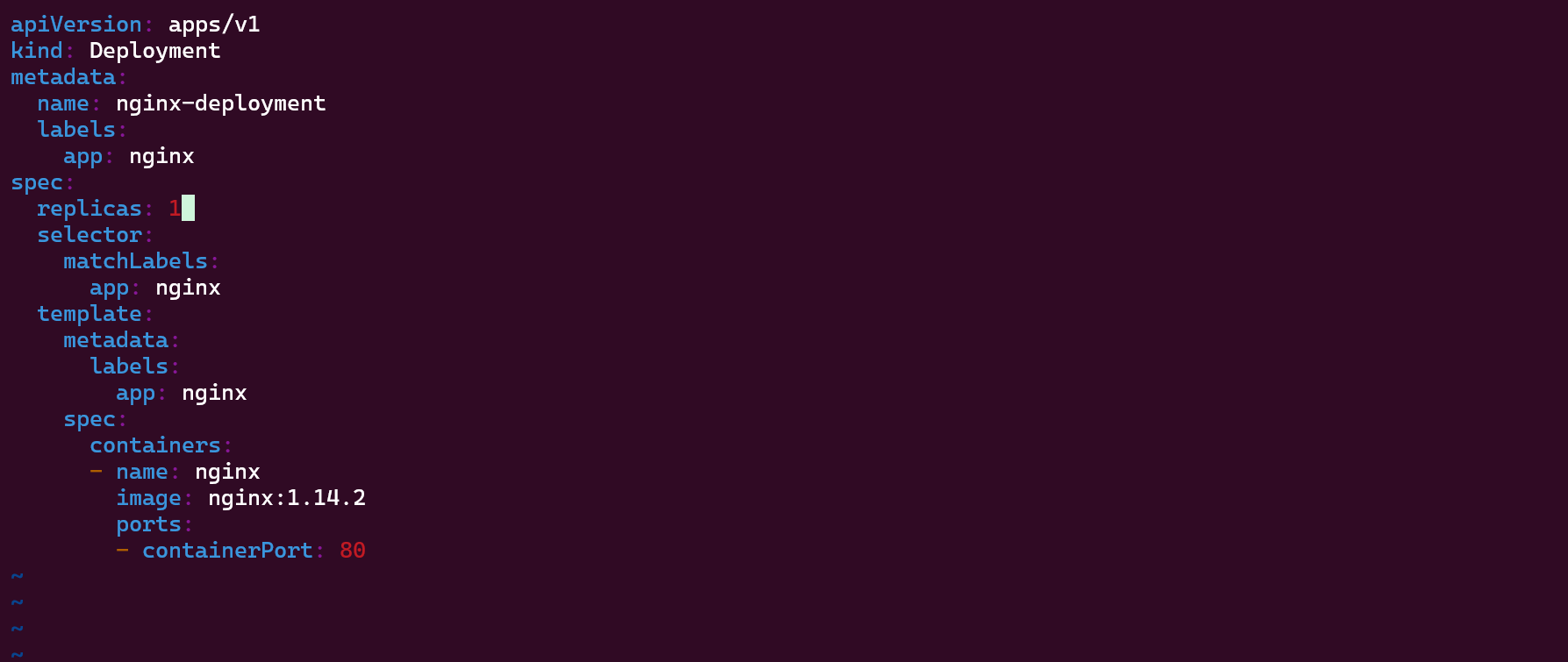
Here, I have set my replicas to 1, which means it creates a pod. If that pod is deleted, the ReplicaSet will ensure that the pod is running.
lets see how it done


Now that we have a deployment, we can see that a pod is created by the deployment.
We can see that the pod is created automatically.

now lets delete an pods lets watch what well happens
kuberctl get pods -w
lets see another terminal



When we delete the pod, it starts terminating but then it runs again.
Now let's set my replicas to 4.
Let's see.
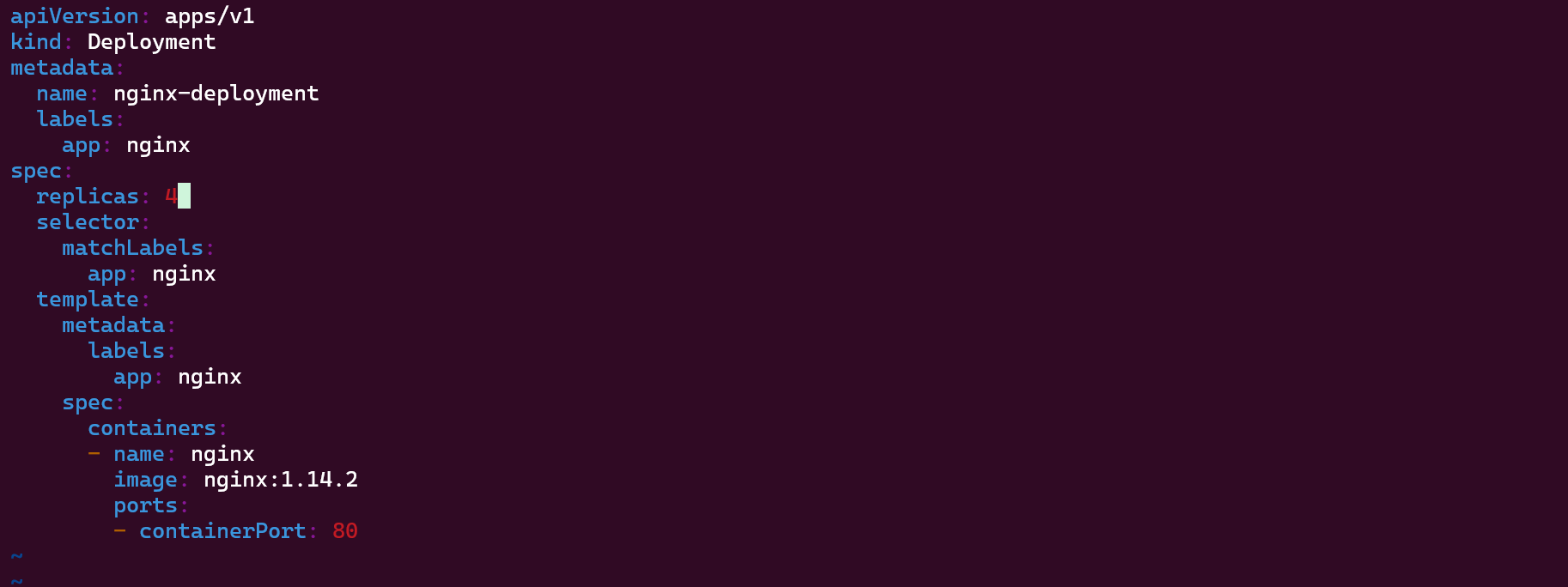


We can see that there are four pods running.

Now let's delete two pods.


We have deleted two pods. Even though we deleted them, the ReplicaSet ensures the desired state we set, which is 4 pods, is maintained. It will make sure the pods are running.


